






The trading profile and public collection features let you create public links for trading and sharing your collection!
- Go to your dashboard
From here, select "Update Trading Profile" (make sure you've added some cards to your collection already):

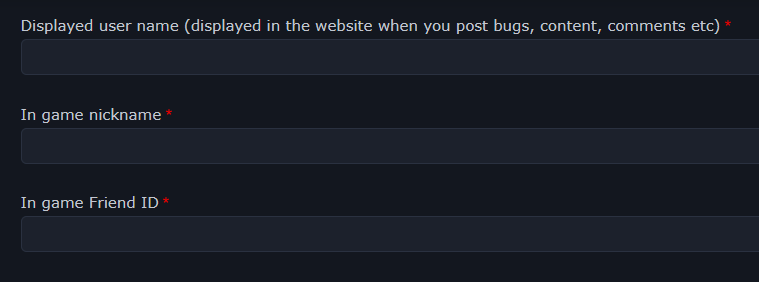
Fill the form:
Use the "Quick Actions" to quickly mark cards you want and are willing to trade:
Don't forget to hit "Save" when you're done!
Back to your dashboard, you can now go to your "Trading Profile" and "Public Collection" to get unique links to each:


