






There is a feature to help you to add cards faster in your collection. This is helpful when you want to update right after opening a set.
- Go to the "Quick Add From Pack" page from the main menu while connected with your account:
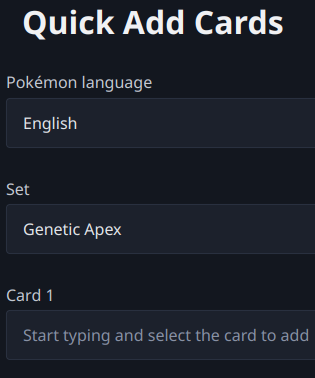
- You select the Pokémon language and the set you want to update.
- You start typing the name of the card:
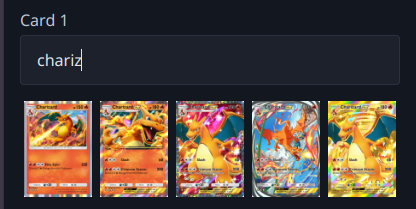
- You select the card you want to add.
- Repeat the same steps for every card you want to add and then click/tap on "Add to the set".
PS: Sometimes, you just want to add 1 card (for example, a promo card). Then you can just fill only the first card field and it will also work.